comark-zoom
Zoom
Click an image or any block to zoom it out of its place. Escape, Back, or a click around it closes it.
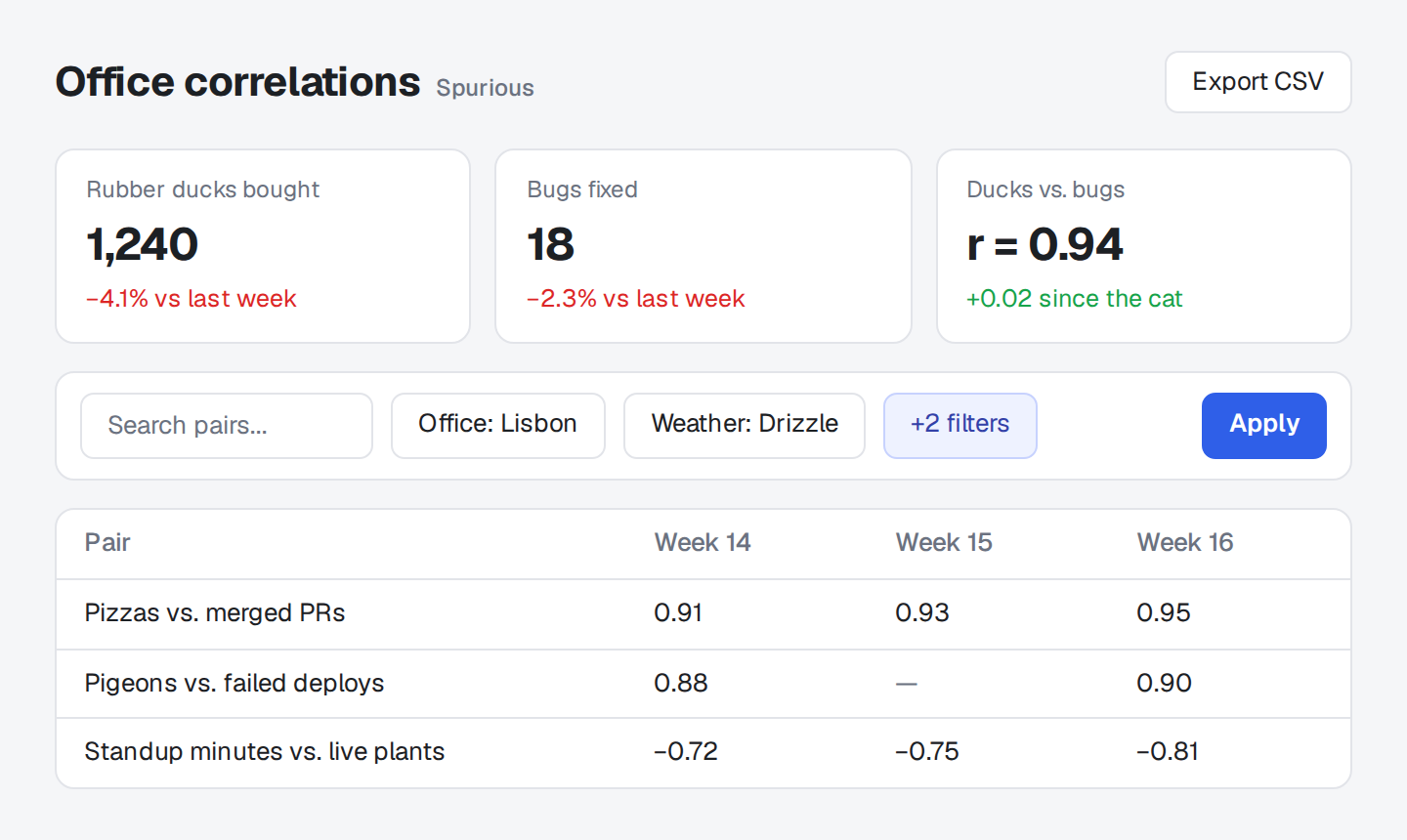
| Attempt | Wait |
|---|---|
| 1 | 1 s |
| 2 | 4 s |
| 3 | Until the pigeons leave |
::zoom{title="Deploy retry policy"}
| Attempt | Wait |
| --- | --- |
| 1 | 1 s |
| 2 | 4 s |
| 3 | Until the pigeons leave |
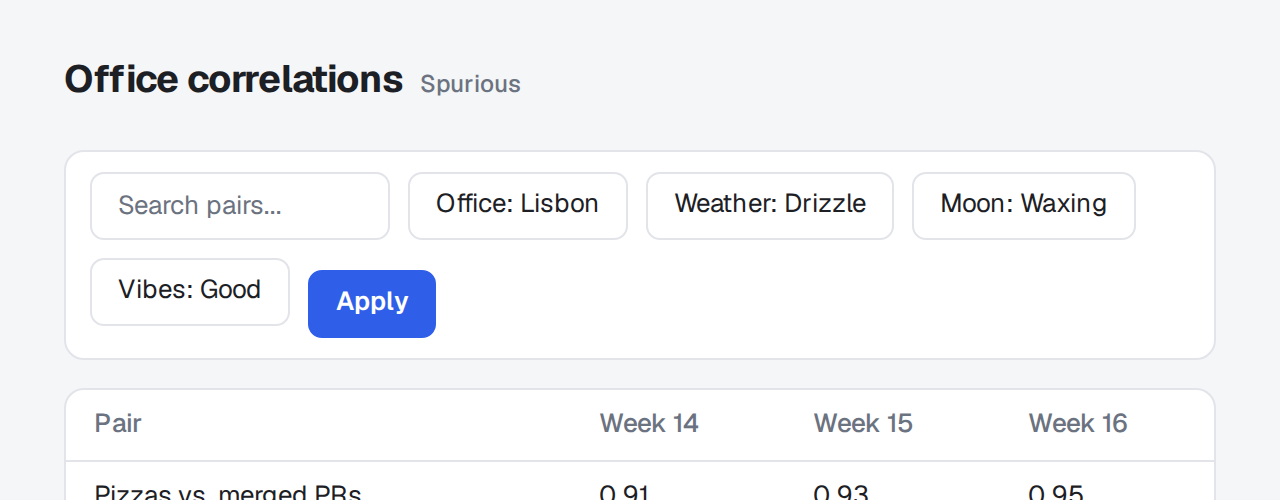
::
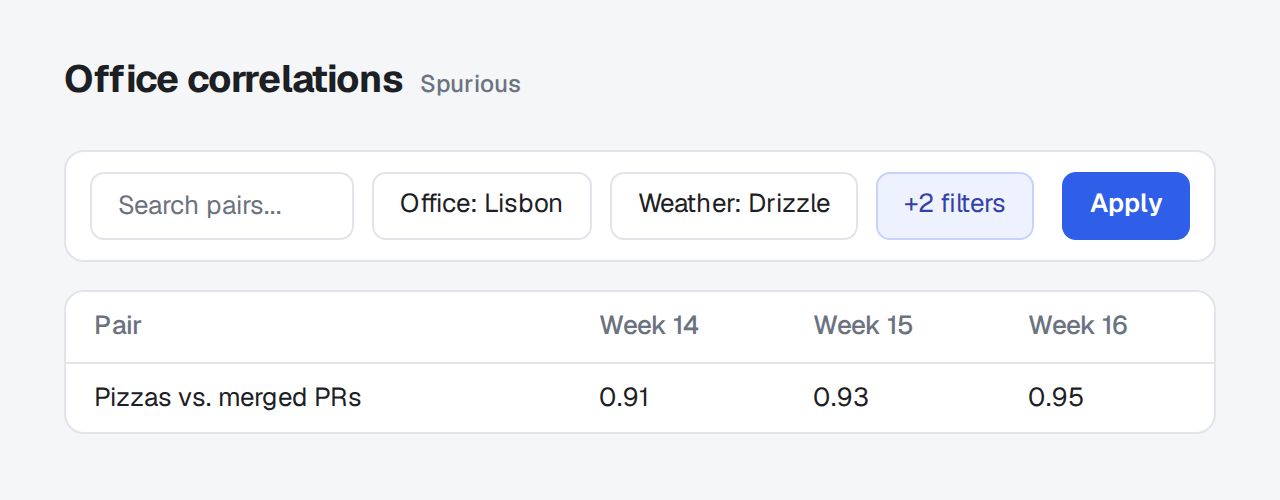
::zoom{group="tour" title="Before"}

::
::zoom{group="tour" title="After"}

::Click an item to zoom it; Escape, Back, or a click around it closes it. Enter or Space opens a focused item, and focus returns to it when the view closes.
Images
Section titled "Images"Content images zoom on their own, except images inside links, which keep their link. The zoomed view shows the image's alt text as its title, and an image grows no larger than its natural size, so it stays sharp.
Give an image a data-zoom-src to load a larger file when it opens. The zoom shows the page's image until the larger file has loaded, and the strip of a group keeps the page's images. To keep one image from zooming, give it zoom=false:
{zoom=false}Zooms any block: a table, a code block, a diagram, or several of them together.
| Attempt | Wait |
|---|---|
| 1 | 1 s |
| 2 | 4 s |
| 3 | 16 s |
::zoom{title="Retry policy"}
| Attempt | Wait |
| --- | --- |
| 1 | 1 s |
| 2 | 4 s |
| 3 | 16 s |
::| Prop | |
|---|---|
title |
Heading of the zoomed view. |
group |
Items with the same group page through one zoomed view. |
#id, .class |
Go on the block, as on any other. |
Examples
Section titled "Examples"Groups
Section titled "Groups"Items in one group page through a single zoomed view with a strip of them at the bottom. Arrow keys and the strip move between them. Items that are hidden when the view opens, such as those in a closed tab, are left out.
::zoom{group="tour" title="Before"}

::
::zoom{group="tour" title="After"}

::Captions beside the zoom
Section titled "Captions beside the zoom"data-zoom-aside names an element, by selector, that the zoomed view shows beside the item at its own size. A caption stays readable however far the item zooms. On a narrow screen it sits below. comark-annotate uses it for a screenshot's notes.
The zoom takes the first match that neither holds the item nor sits in it. It looks in the item's innermost data-zoom-context, or else in its parent.
<figure>
  <img data-zoom data-zoom-aside="figcaption" src="pigeons.png" alt="Pigeons on the roof by week">
  <figcaption>Pigeons dip in week 3, when the falcon visited.</figcaption>
</figure>The options go under zoom in comarkUi(), or to zoom() when you use it alone. zoom: false in comarkUi() turns zoom off.
| Option | Default | |
|---|---|---|
images |
true |
false leaves images alone, so only ::zoom blocks and images you mark with {data-zoom} zoom. |
Events
Section titled "Events"The zoomed view fires comark-zoom:open, comark-zoom:change, and comark-zoom:close on the item. open and change carry the dialog's header and footer, and a layer over the zoomed content, sized to it, where a host can draw its own pins or controls.
copyOf(element) finds the copy of a page element in the zoomed view, and originalOf(element) goes back, so a pin can follow what it points at. Both return null for anything the zoom doesn't show.
document.addEventListener("comark-zoom:open", (event) => {
  const pin = document.createElement("button");
  pin.textContent = "1";
  pin.style.cssText = "position:absolute;left:40%;top:20%";
  event.detail.layer.append(pin);
});Package
Section titled "Package"comark-ui brings comark-zoom and registers it. To use it alone, install it and pass the renderer's components:
pnpm add comark @comark/html comark-zoomimport { createHtmlRenderer } from "@comark/html";
import zoom, { components } from "comark-zoom/html";
const render = createHtmlRenderer({ plugins: [zoom()], components });For Vue, React, or Svelte, import from comark-zoom/vue, comark-zoom/react, or comark-zoom/svelte. Renderers covers server rendering, pages without a renderer, and zoom with other plugins.
The zoomed view follows the shared tokens in Theming, and two variables of its own change the backdrop. The rules sit in a comark CSS layer, so a plain rule of your own wins over any of them.
Shared tokens
Section titled "Shared tokens"| Token | Used for |
|---|---|
--comark-background |
The backdrop |
--comark-foreground |
The header's text, the current thumbnail's border |
--comark-muted |
The counter |
--comark-border |
The thumbnails' borders |
--comark-accent |
Hovered close and arrow buttons |
--comark-ring |
Focus rings on items and buttons |
--comark-radius |
Button and thumbnail corners |
--comark-font |
The header |
The tokens resolve on .cz-dialog, so tokens set there theme the zoomed view alone.
Variables
Section titled "Variables"The zoomed view sits at the end of body, so set these on :root, body, or .cz-dialog:
| Variable | Default | Used for |
|---|---|---|
--cz-backdrop |
--comark-background at --cz-backdrop-opacity |
The backdrop's color |
--cz-backdrop-opacity |
96% |
How much of --comark-background the backdrop mixes in |
Classes and attributes
Section titled "Classes and attributes"| Selector | Is |
|---|---|
[data-zoom] |
An item on the page that zooms |
.cz-dialog |
The zoomed view, with data-aside when it shows a caption beside the item |
.cz-backdrop |
The layer behind everything else |
.cz-header, .cz-title, .cz-count, .cz-close |
The top row: title, position in a group, and the close button |
.cz-stage, .cz-item |
The area the item zooms into, and the zoomed copy |
.cz-prev, .cz-next |
The arrows of a group, both .cz-nav |
.cz-aside |
The caption beside the item, from data-zoom-aside |
.cz-strip, .cz-thumb |
The row of thumbnails, and each one, with aria-current="true" on the open one |
Styles from ancestors
Section titled "Styles from ancestors"The zoomed copy leaves the page, so it loses rules that match through its ancestors, such as .post img. An item that needs them names those ancestors with data-zoom-context, a selector. The copy then goes inside empty copies of every ancestor that matches:
<article class="post">
  <img data-zoom data-zoom-context=".post" src="pigeons.png" alt="Pigeons on the roof by week">
</article>Example
Section titled "Example"A dark backdrop that lets the page show through:
:root {
  --cz-backdrop: rgb(0 0 0 / 0.8);
}

.cz-dialog {
  --comark-foreground: #fafafa;
  --comark-muted: #a1a1a1;
}To try it, paste it into Extra CSS in the playground's Theme pane.