comark-carousel
Carousel
Slides of images, code, or anything else that scroll and snap, with arrows, a counter, keys, and zoom.
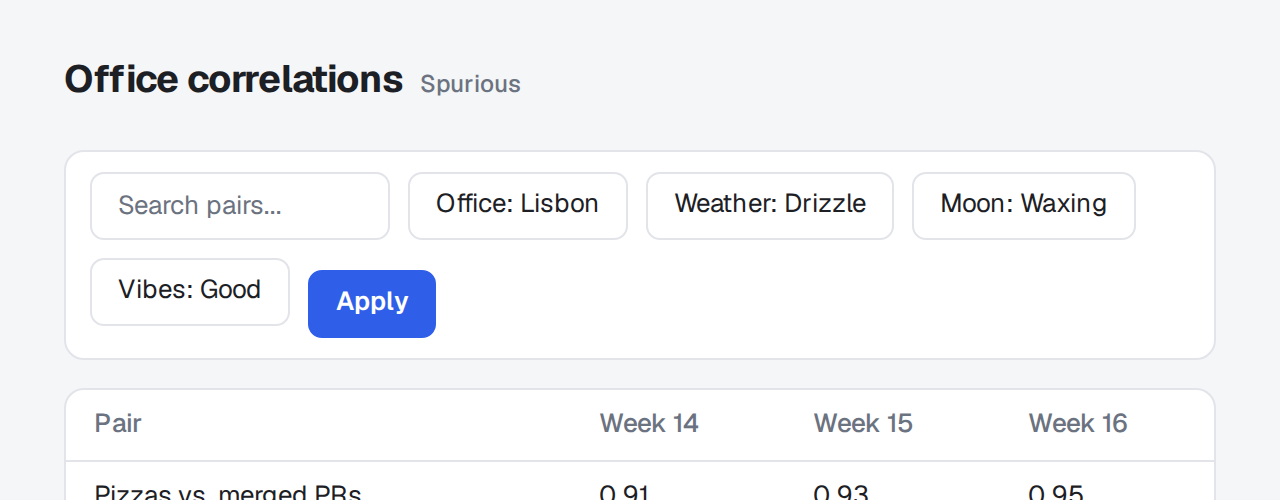
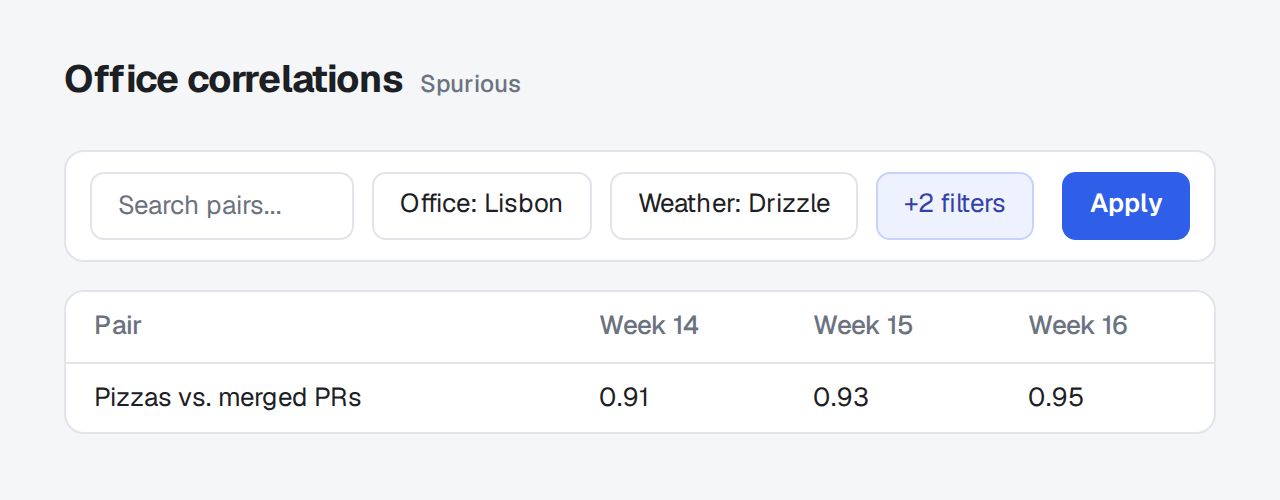
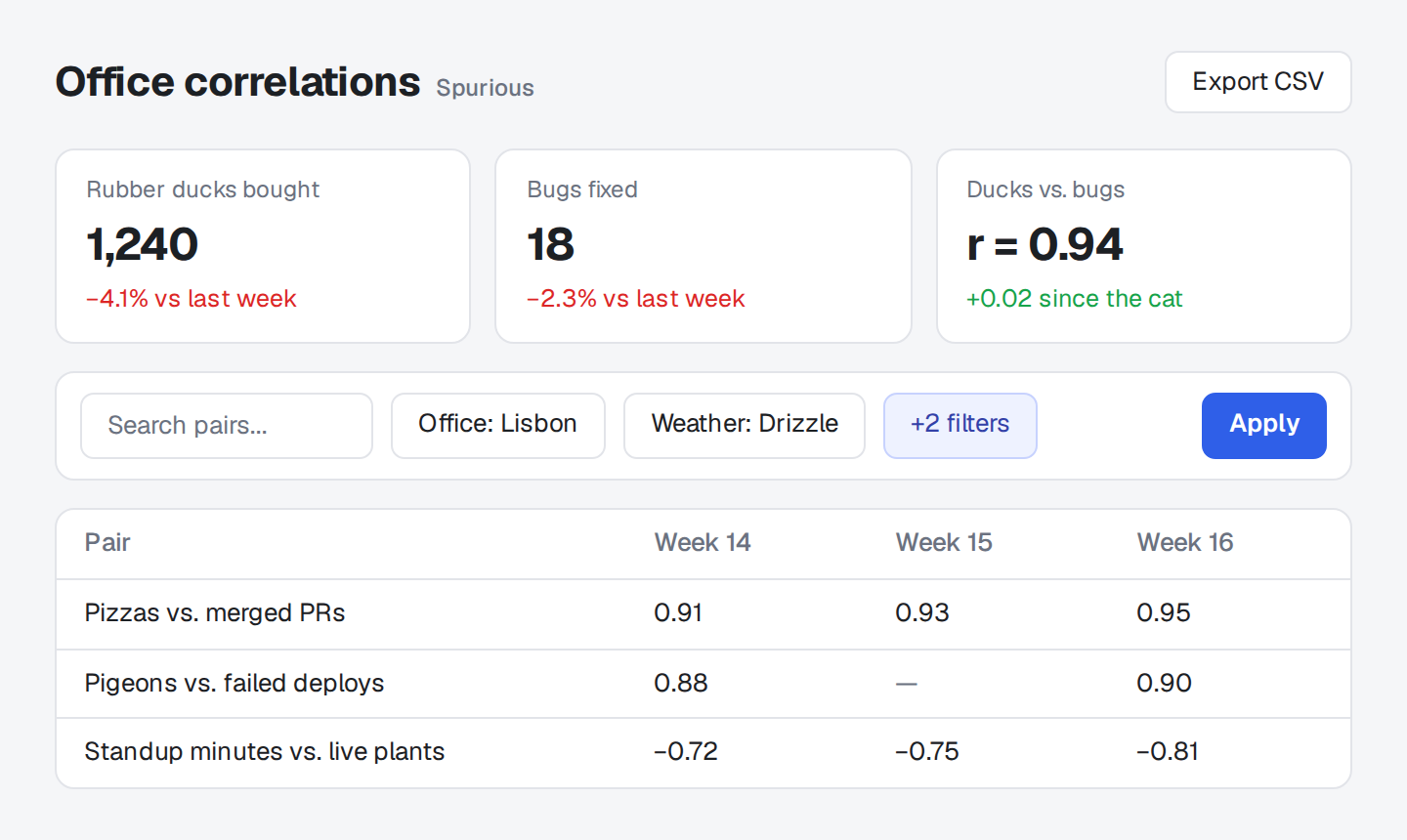
::carousel{title="Filters"}



::::carousel{title="Setup"}
:::slide{title="Install"}
```sh
pnpm add comark @comark/html comark-carousel
```
:::
:::slide{title="Register"}
Pass the plugin and its `components` to the renderer.
:::
:::slide{title="Write"}
> Each `:::slide` is one slide, however many blocks it holds.
:::
::::carousel{columns=2}


::Slides scroll and snap without a script, with a scrollbar to reach the others. The script swaps the scrollbar for arrows, a slide counter, and arrow keys, and a click zooms a slide.
carousel
Section titled "carousel"Every block inside ::carousel is a slide, unless it holds :::slide blocks.
::carousel{title="Filters"}


::| Prop | |
|---|---|
title |
Name read out by screen readers, and the heading of a zoomed slide that has no title or image of its own. Default Carousel. |
columns |
2 or 3 shows several slides at once on a wide page and one at a time on a narrow one. Default 1. |
zoom |
false turns zoom off. |
Props can be inline or bound, such as :columns="2". Bind zoom and title to the document or its front matter, not to render-time data: each slide takes them while parsing.
One slide that holds several blocks. Once a carousel has a :::slide, only its slides count: anything else inside it is dropped and reported. A :::slide outside a carousel renders as plain content.
::carousel{title="Setup"}
:::slide{title="Install"}
```sh
pnpm add comark @comark/html comark-carousel
```
:::

:::slide{title="Register"}
Pass the plugin and its `components` to the renderer.
:::
::| Prop | |
|---|---|
title |
Heading of the slide when it's zoomed. |
An image alone in a slide, or alone in its paragraph, is centered, and so is a link around one. An image inside a sentence stays in the text.
Examples
Section titled "Examples"With focus in a carousel, the left and right arrow keys page through it. On a right-to-left page they follow the reading direction. They also page when focus is on a link or a button.
The carousel leaves these keys alone:
- Keys pressed with Alt, Ctrl, Meta, or Shift.
- Keys meant for a form field, video,
<summary>, menu, tab list, slider, combo box, tree, or a wide code block in a slide.
A disabled arrow keeps its focus, so the keys keep working. When the reader prefers reduced motion, paging jumps instead of scrolling smoothly.
Validation
Section titled "Validation"The plugin adds a problem with any carousel to meta.issues, as Validation describes:
carousel 2 ("Setup") drops the paragraph "Pass the plugin" because it sits outside every :::slide; move it into a :::slide.It reports:
- Content outside every
:::slide. - A carousel with no slides.
columnsthat isn't 1, 2, or 3.- A
:::slideoutside a carousel. - A
:zoomor:titlethat reads render-time data or a missing key. - A prop it doesn't know.
Each one has its own rule in Doctor.
A click zooms a slide, with the others in a strip at the bottom. Paging in the zoomed view moves the carousel, so closing it lands on the slide you were looking at. Zoom comes from comark-zoom, which comes with the package. For annotated screenshots in a carousel, see the recipe.
comark-carousel takes no options. carousel: false in comarkUi() turns it off.
Package
Section titled "Package"comark-ui brings comark-carousel and registers it. To use it alone, install it and pass the renderer's components:
pnpm add comark @comark/html comark-carouselimport { createHtmlRenderer } from "@comark/html";
import carousel, { components } from "comark-carousel/html";
const render = createHtmlRenderer({ plugins: [carousel()], components });For Vue, React, or Svelte, import from comark-carousel/vue, comark-carousel/react, or comark-carousel/svelte. When you render on a server, import comark-carousel/style.css and comark-zoom/style.css with your own styles. Renderers covers the rest.
The arrows, counter, and slide panels follow the shared tokens in Theming, and four variables of its own set the space and the sizes. The rules sit in a comark CSS layer, so a plain rule of your own wins over any of them.
Shared tokens
Section titled "Shared tokens"| Token | Used for |
|---|---|
--comark-background |
The arrows' faces |
--comark-foreground |
The arrows' icons, and the tint of the slide panels |
--comark-muted |
The counter |
--comark-border |
The arrows' borders |
--comark-accent |
Hovered arrows |
--comark-ring |
The focus ring on the arrows |
--comark-radius |
The slide panels' corners |
The zoomed view comes from comark-zoom and has a theme of its own.
Variables
Section titled "Variables"Set these on .cc or any ancestor, such as :root:
| Variable | Default | Used for |
|---|---|---|
--cc-gap |
1rem |
The space between slides |
--cc-surface |
--comark-foreground at 4% |
The panel behind each slide |
--cc-padding |
1rem |
The space inside each panel, halved on a narrow page |
--cc-button-size |
2rem |
The arrows' width and height, at least 2.5rem on touch screens |
Each slide sits on a soft panel as tall as the tallest one, so slides of different heights line up. To drop the panel, set --cc-surface: transparent and --cc-padding: 0.
Classes and attributes
Section titled "Classes and attributes"| Selector | Is |
|---|---|
.cc |
The carousel, with data-carousel-columns when it shows 2 or 3 at a time, and data-carousel-fits when every slide fits at once |
.cc-track |
The row that scrolls |
.cc-slide |
Each slide |
.cc-controls |
The row under the slides, shown once the script runs |
.cc-count |
The position, such as 1 / 3 |
.cc-step |
An arrow, with aria-disabled="true" at either end |
[data-carousel-ready] |
On <html> once the script runs; without it the track shows its scrollbar instead of arrows |
Example
Section titled "Example"Wider gaps, no panels, and bigger arrows:
:root {
  --cc-gap: 2rem;
  --cc-surface: transparent;
  --cc-padding: 0;
  --cc-button-size: 2.5rem;
}To try it, paste it into Extra CSS in the playground's Theme pane.