comark-xref
Cross-references
Label an image or a table with an id and it gets a number. Write a reference to it and the reference reads "Figure 2", and stays right when figures move.
The pigeon tracker before the redesign is in Figure 1, and after it in Figure 2.

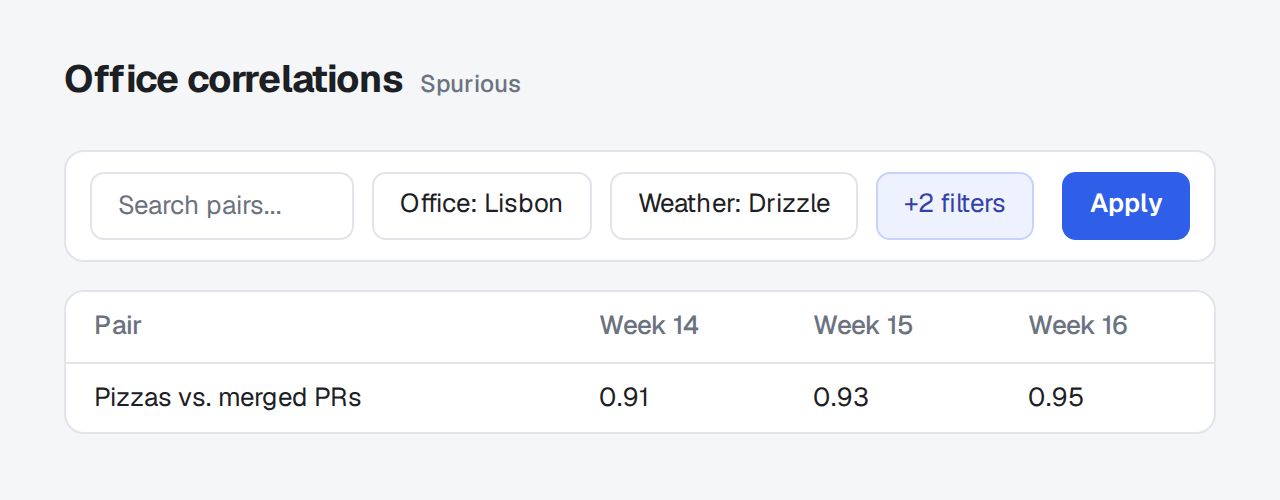
The pigeon tracker before the redesign is in :ref{#fig-before}, and after it in :ref{#fig-after}.
{#fig-before}
{#fig-after}Table 1 has the homing times, and Figure 1 the dashboard they come from.
| Bird | Distance | Time |
|---|---|---|
| Rosa | 120 km | 1 h 52 min |
| Bruno | 120 km | 2 h 10 min |
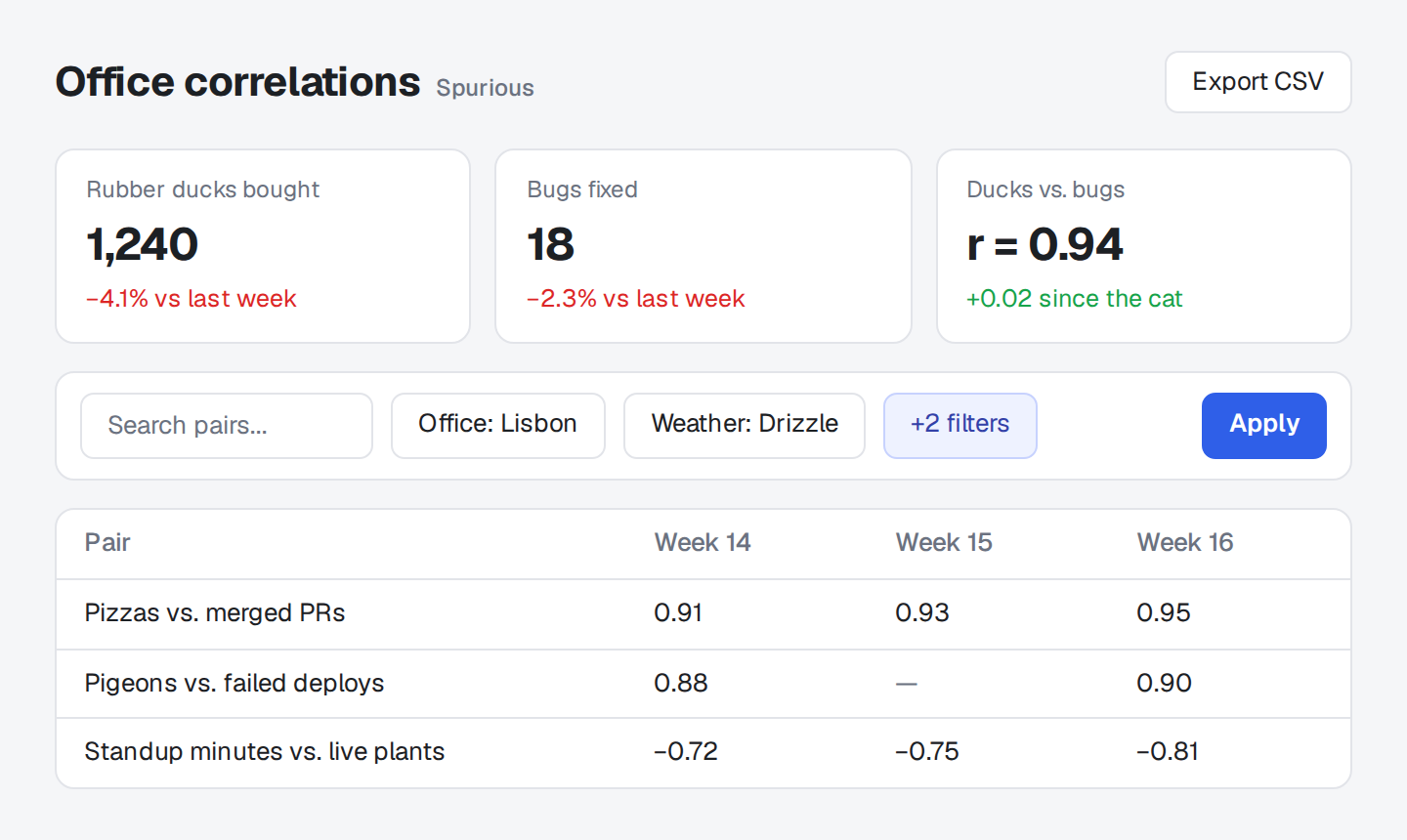
:ref{#tbl-times} has the homing times, and :ref{#fig-route} the dashboard they come from.
::table{#tbl-times caption="Homing times by bird"}
| Bird | Distance | Time |
| --- | --- | --- |
| Rosa | 120 km | 1 h 52 min |
| Bruno | 120 km | 2 h 10 min |
::
{#fig-route}Figures and tables are numbered separately, in the order they appear, and a reference can come before what it points at. A reference to a label that doesn't exist is an issue, not a broken link.
Figures
Section titled "Figures"{#fig-login}An image alone in its paragraph with an id that starts with fig- becomes a figure, captioned "Figure 1: The login page" from its alt text. A ::figure{#fig-...} block of your own is numbered as it is, and so is any other element with a fig- id, such as a comark-annotate ::screenshot.
Tables
Section titled "Tables"::table{#tbl-times caption="Homing times by bird"}
| Bird | Time |
| --- | --- |
| Rosa | 1 h 52 min |
::A Markdown table can't take an id on its own, so wrap it in ::table with an id that starts with tbl-. Its caption follows the number, "Table 1: Homing times by bird".
References
Section titled "References"As :ref{#fig-login} shows, the button moved.:ref{#id} becomes a link to the label that reads "Figure 1" or "Table 1". It can point at a label above or below it.
Pandoc's @fig-login isn't read, since @name is a mention in comark-chips and comark-github.
The plugin adds every problem to meta.issues, as Validation describes: a reference with no id, one to a label that doesn't exist (it renders as [id]), a label used twice, and a labeled image that shares its paragraph with text, so it isn't a figure, and text inside a :ref, which it drops. Each issue names its block and says how to fix it, and each has its own rule in Doctor.
Examples
Section titled "Examples"Long review documents
Section titled "Long review documents"A review with several screenshots reads better when the text says which one it means. Label each screenshot and refer to it by label, and the numbers stay right when you add, remove, or reorder them:
The empty state in :ref{#fig-empty} replaces the spinner in :ref{#fig-loading}.
{#fig-empty}
{#fig-loading}Styling
Section titled "Styling"The plugin ships no styles, since figures, captions, and links already have the page's. These classes are there for your own rules:
| Class | Element |
|---|---|
.cxr |
A figure it made from an image, and a labeled table |
.cxr-label |
The "Figure 1:" or "Table 1:" at the start of a caption |
.cxr-ref |
A reference |
.cxr-label {
  font-weight: 600;
}The options go under xref in comarkUi(), or to xref() when you use the plugin alone.
| Option | Default | What it does |
|---|---|---|
figure |
"Figure" |
The word before a figure's number. |
table |
"Table" |
The word before a table's number. |
xref({ figure: "Abbildung", table: "Tabelle" });Package
Section titled "Package"comark-ui brings comark-xref and registers it. To use it alone, install it and register the plugin with any renderer:
pnpm add comark @comark/html comark-xrefimport { createHtmlRenderer } from "@comark/html";
import xref from "comark-xref";
const render = createHtmlRenderer({ plugins: [xref()] });It needs no components: figures become figure and figcaption, tables get a caption, and references become links, which every renderer draws and most pages already style. Renderers covers using it with other plugins.