comark-figure
Figure
Give an image a title and get a figure with a caption, while its alt text stays alt text.
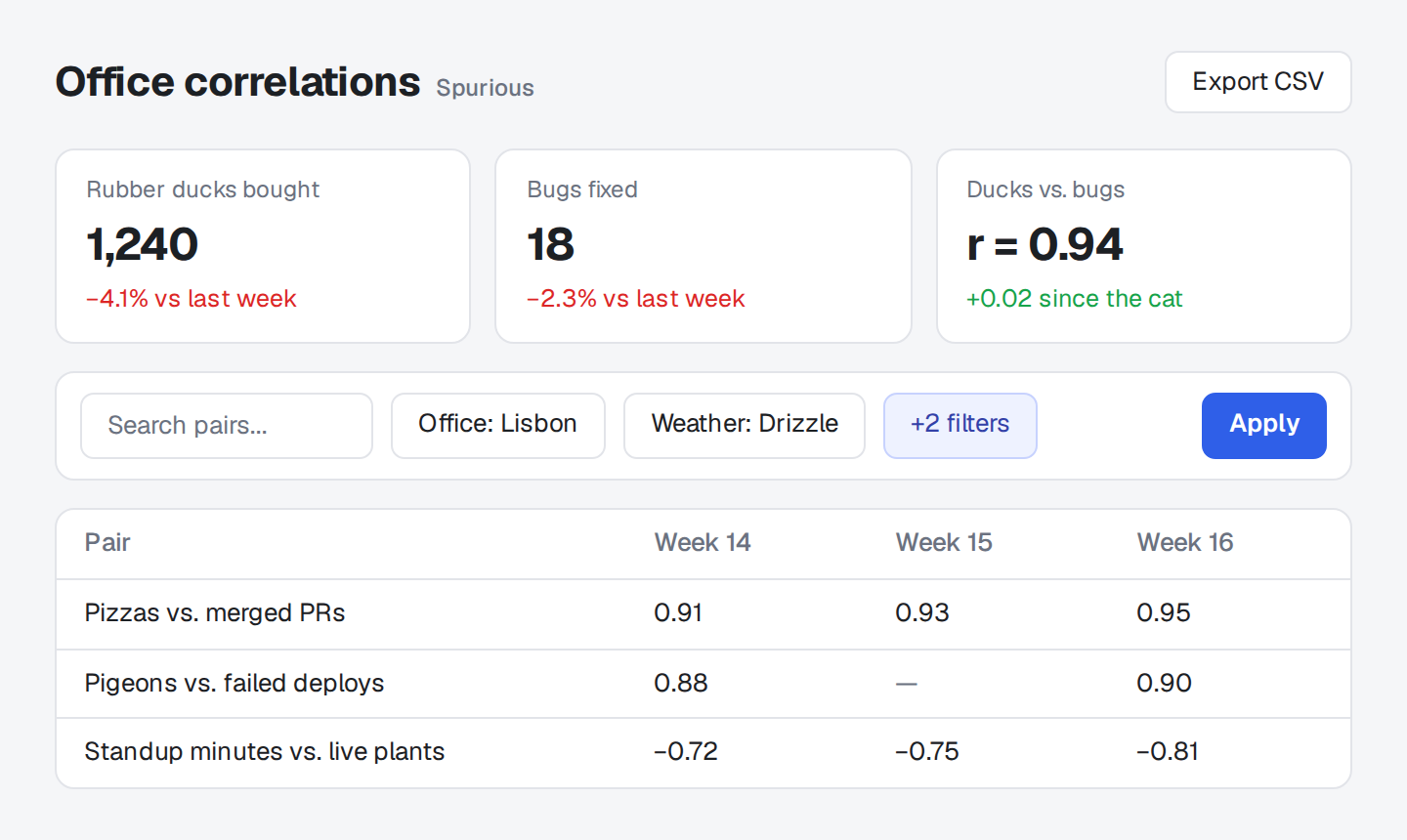
Open the filters.
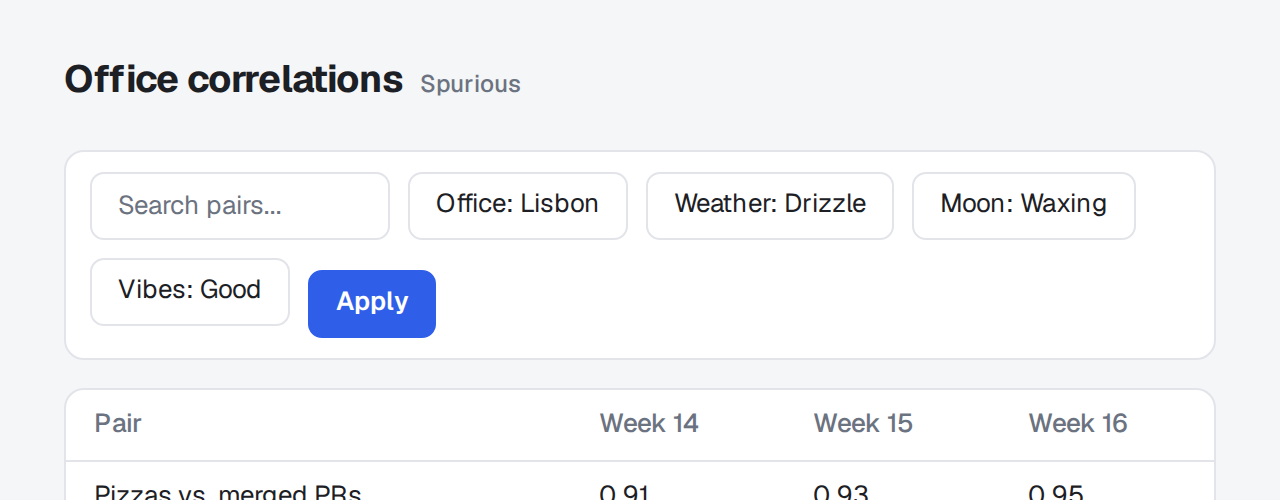
Before: the toolbar wraps Narrow the window.
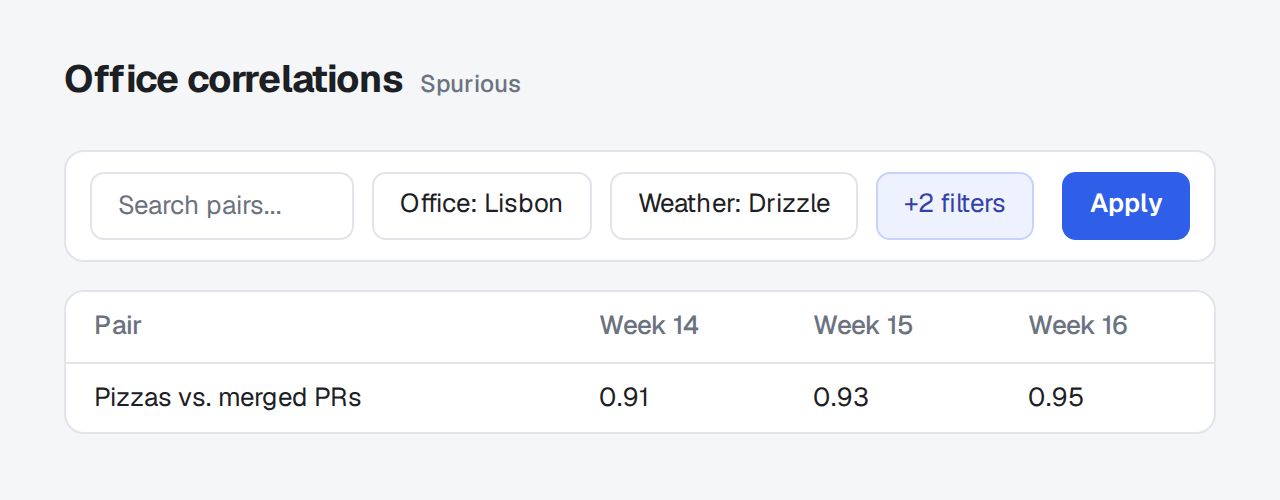
After: one row at any width
1. Open the filters.

2. Narrow the window.
An image alone in its paragraph with a title, , renders as <figure> with the title in <figcaption>. The alt text still describes the image to screen readers, and the caption is what everyone reads under it.
The caption is the image's title, the quoted text after its URL:
The image keeps its src, its alt text, and any {attributes}, and loses only the title, since the caption now says it:
<figure>
  <img src="/duck.png" alt="A rubber duck on a keyboard">
  <figcaption>The duck that found the race condition</figcaption>
</figure>What becomes a figure
Section titled "What becomes a figure"An image with a title that stands alone in its paragraph, at the top of the page, in a list item, in a blockquote, in a definition, or in a ::component next to other blocks. An image inside a sentence keeps its title as a tooltip.
A linked image counts too: [](https://example.com) keeps the link around the image, and the caption sits under it, outside the link.
The caption is plain text, as a title is. A title on the link instead of the image, [](url "Title"), stays the link's tooltip.
Inside a component
Section titled "Inside a component"When a ::component holds nothing but the image, Comark removes the paragraph, and the image ends up as the component's only child. An inline :component[] alone on its line produces the same tree, so the plugin leaves both as they are. Add another block to the component, and its image becomes a figure.
Examples
Section titled "Examples"Styling
Section titled "Styling"The plugin adds no classes and no styles. Browsers indent a figure by 40px on each side. To set it flush with the text and the caption small and muted:
figure {
  margin: 1.5em 0;
}
figcaption {
  margin-top: 0.5em;
  font-size: 0.875em;
  color: #6b7280;
}Alt text and captions
Section titled "Alt text and captions"Screen readers read both, so they shouldn't say the same thing. Alt text says what the image shows, for someone who can't see it. The caption says why it's there, for everyone:
Images without captions
Section titled "Images without captions"With unwrap: true, an image alone in its paragraph renders as a bare <img> with no <p> around it, so a stylesheet can size block images apart from the ones inside a sentence with .prose > img.
The options go under figure in comarkUi(), or to figure() when you use the plugin alone.
Options
Section titled "Options"figure({ unwrap: true }) also lifts every image that stands alone in its paragraph out of the <p>, with a title or without. Comark's autoUnwrap only does that in list items and blockquotes.
Package
Section titled "Package"comark-ui brings comark-figure and registers it. To use it alone, install it and register the plugin:
pnpm add comark @comark/html comark-figureimport { parseMarkdown } from "comark";
import figure from "comark-figure";
const document = await parseMarkdown(markdown, {
plugins: [figure()],
});It has no components and no styles, because a figure is native HTML. It works with registerDefaultPlugins: false and in streaming parses. With comark-zoom, the image inside a figure zooms as any other image does, in either plugin order.